
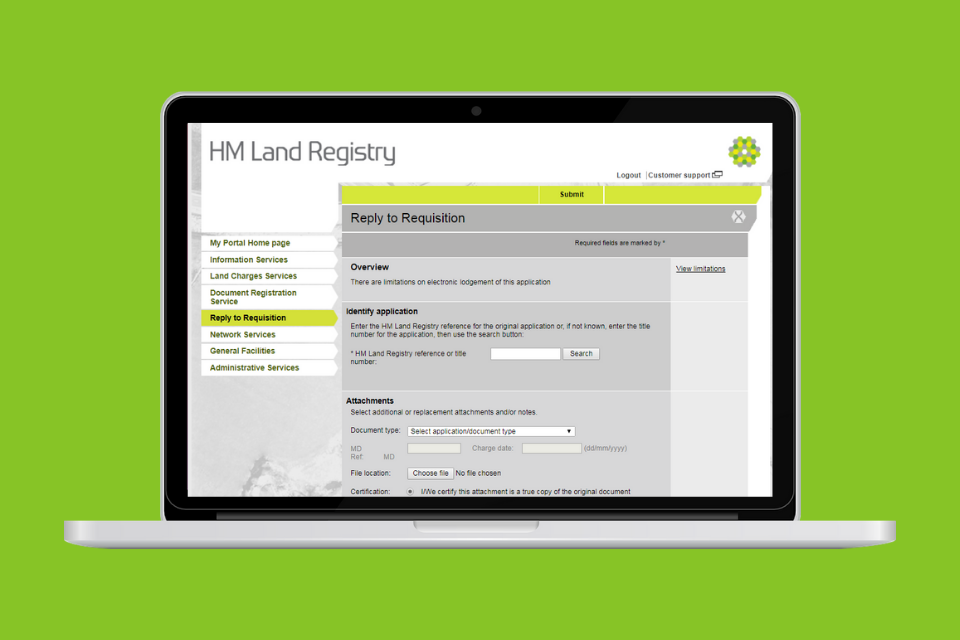
You can use the ‘reply to requisition’ function within the portal to:
-
attach new or replacement documents directly to your application, allowing your application to be processed quicker
-
add relevant information to a pending application at any time using the reply to requisition function, even when an application has been sent by post and you need to submit supporting documents
-
send a text response and avoid requests for information (requisitions) by providing supporting information before we raise the request - partial replies can also be submitted using this function.
Our casework team will respond to queries and deal with your replies.
Watch our short video guide for help using this function.
If you submitted your registration application through Business Gateway, use your case management system to respond to the requisition.